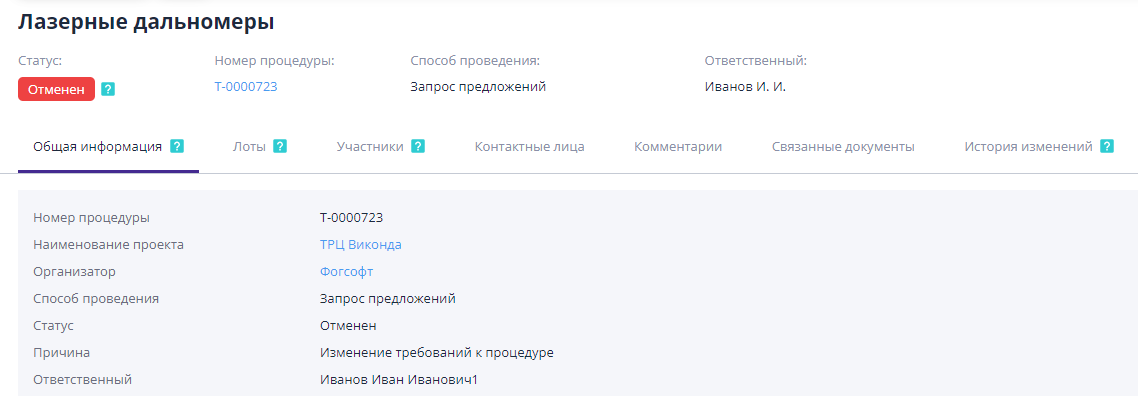
Cancel published auction
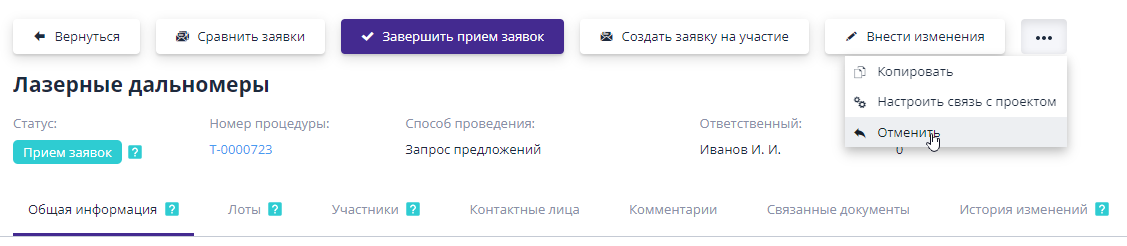
Until the publication of the final protocol, the organizer may cancel procedure.To do this, on the procedure information page you need press the “...” button, thereby opening the menu of additional actions, and select “Cancel”:
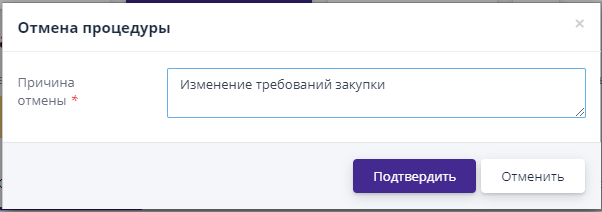
When you click the button, a dialog box will open indicating the reason trade cancellations:
After confirmation of the operation, the trading procedure will move to the status “Cancelled” and the reason for cancellation will appear on the procedure information page. All participants who applied for participation will be notified about the cancellation of the auction.